
Free
All core features, supported by ads.
- Text to Speech and background playback
- On-device OCR for images
- Playback Queue and Follow Along
- Saved content and local voices
Text to speech for Android
Listen to articles, notes, stories, and other text you share or paste into LoudThread. Add it to your queue or save it for later.
Get it on Google Play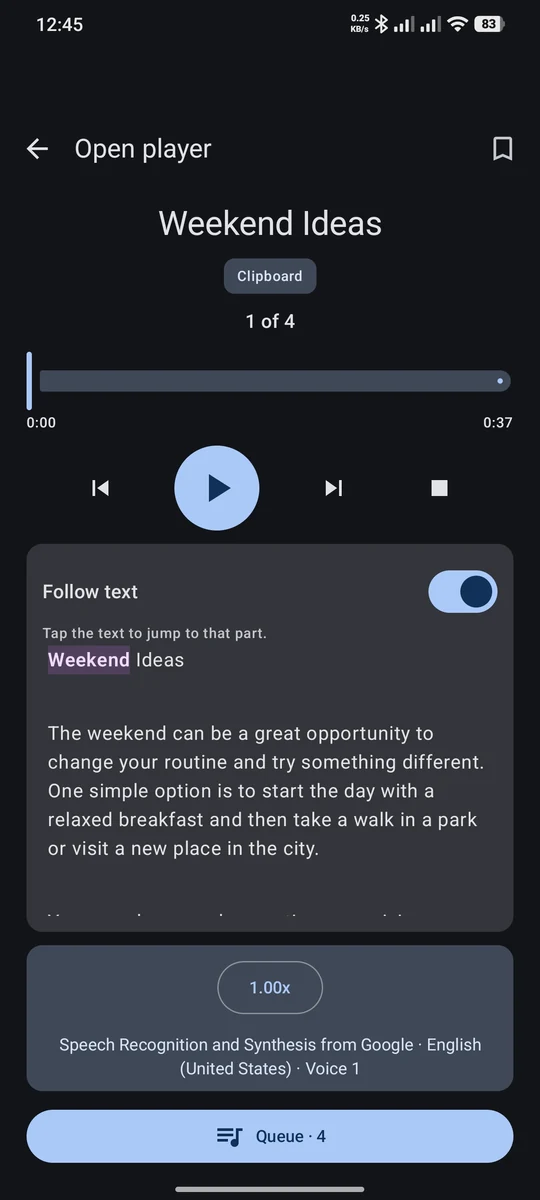
Go from a block of text to a listening queue you can take anywhere.
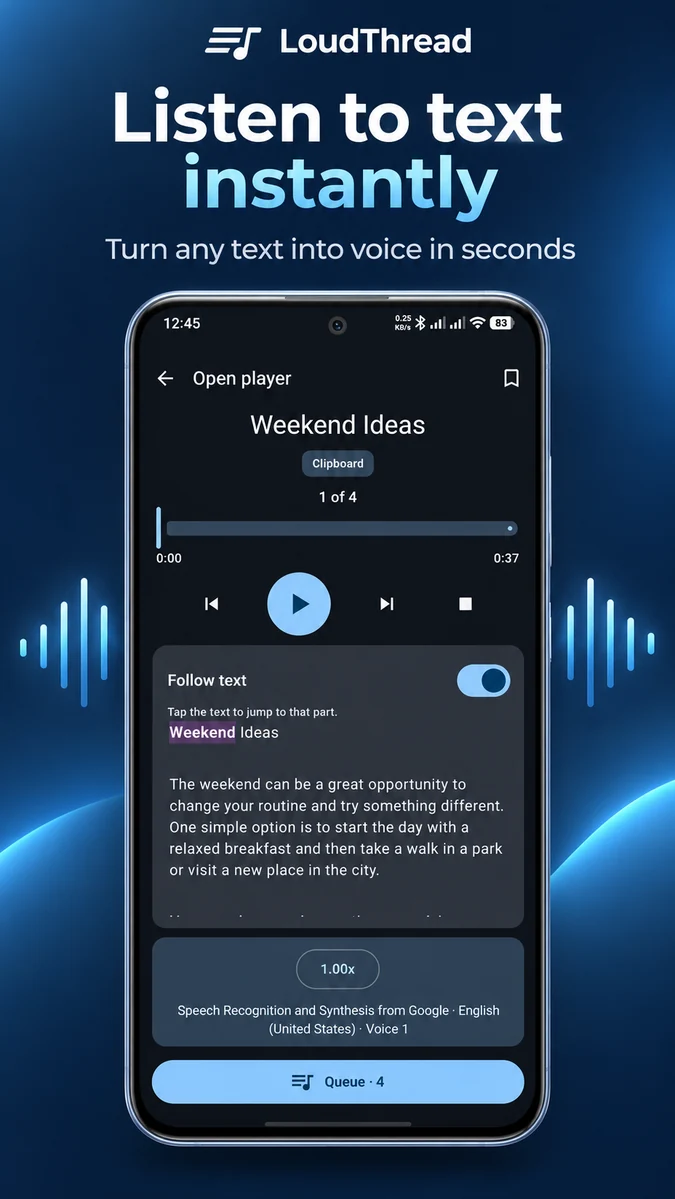
Turn the text you provide into spoken audio.
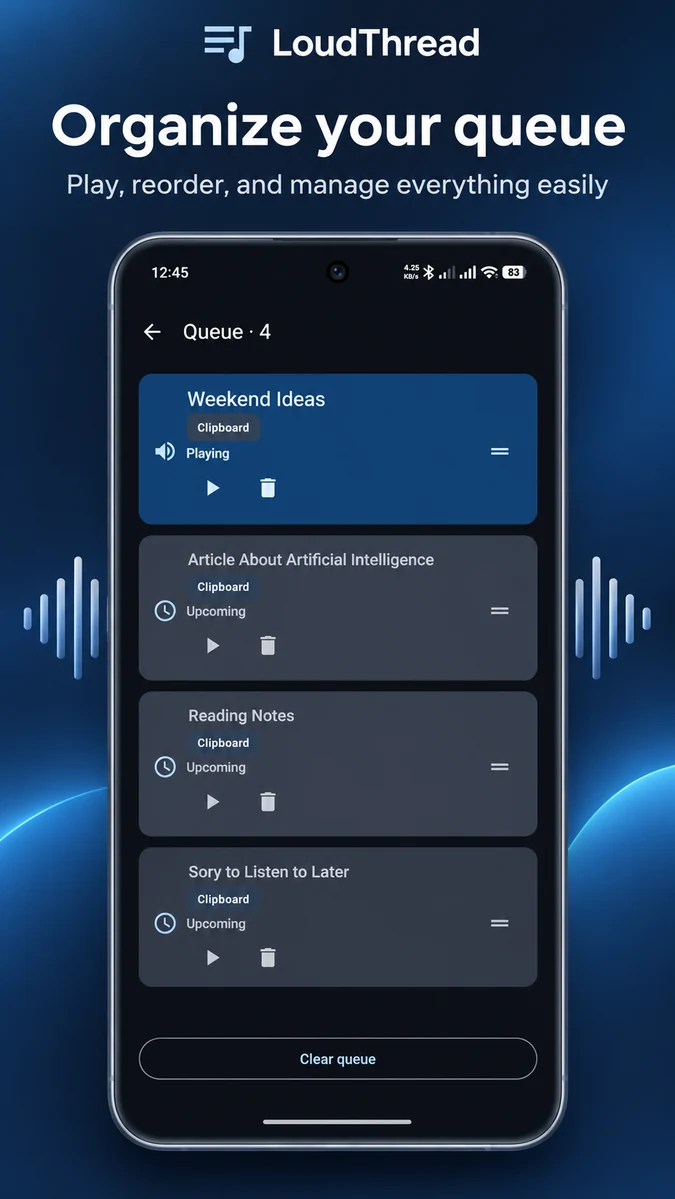
Line up several texts and rearrange what plays next.
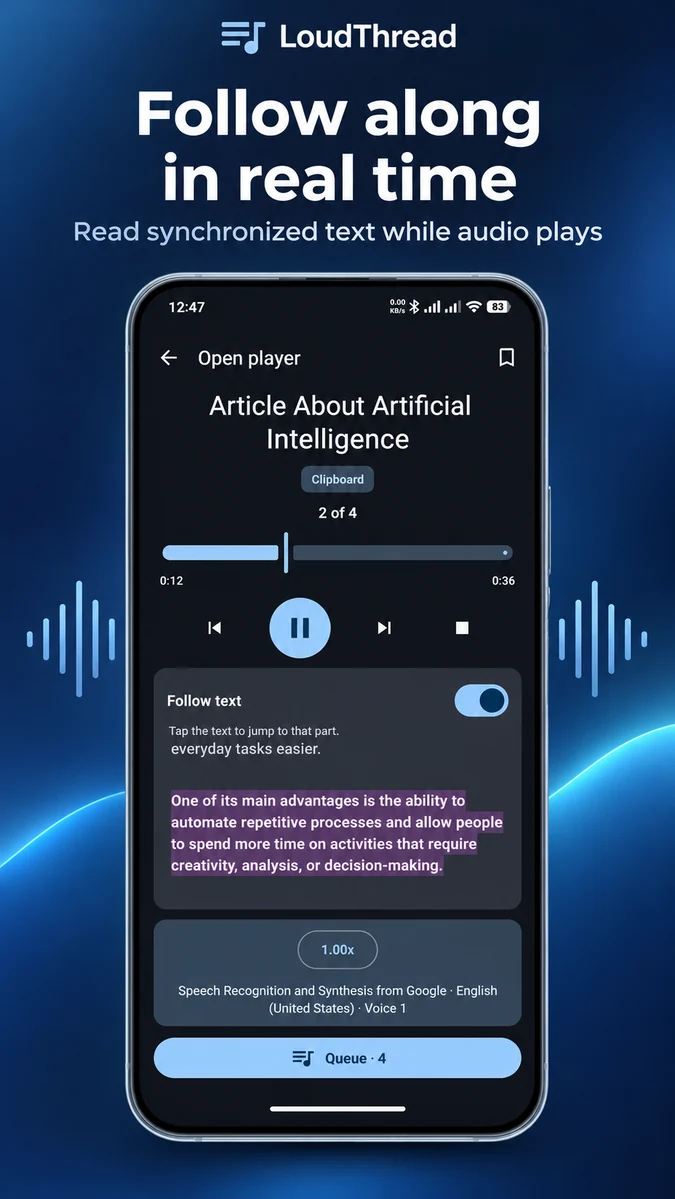
See the current passage highlighted as it’s read aloud.
Tap within the text or use Text Seek to jump to another point.
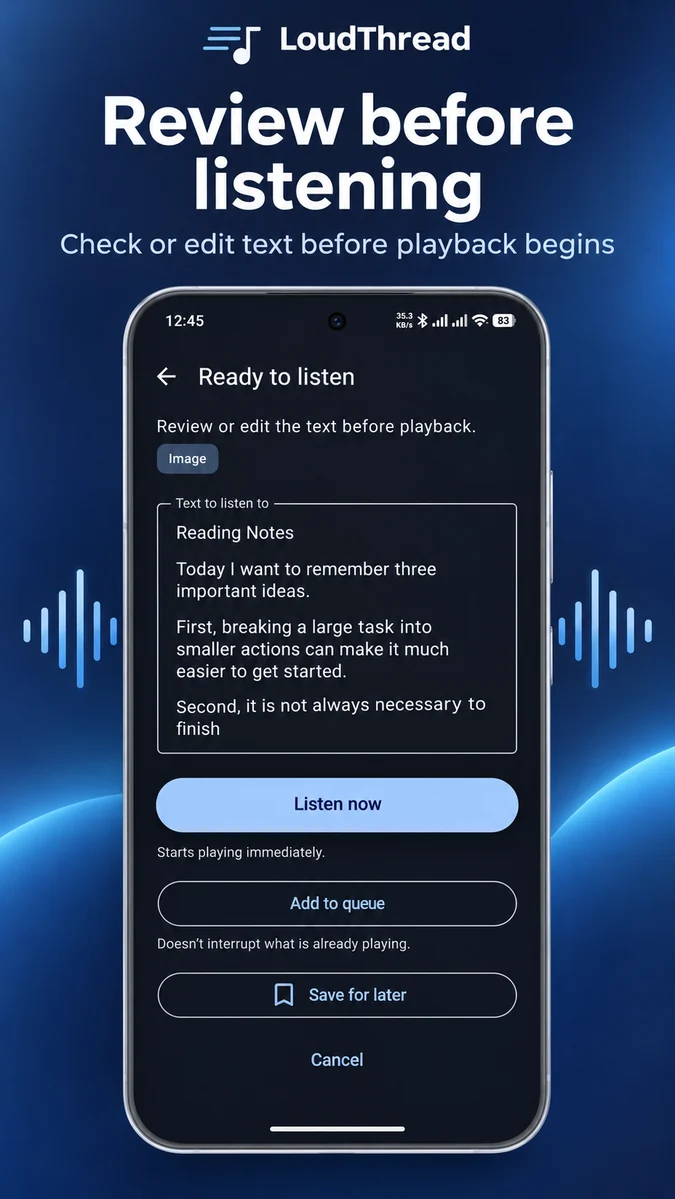
Extract text from images on your device and review it before listening.
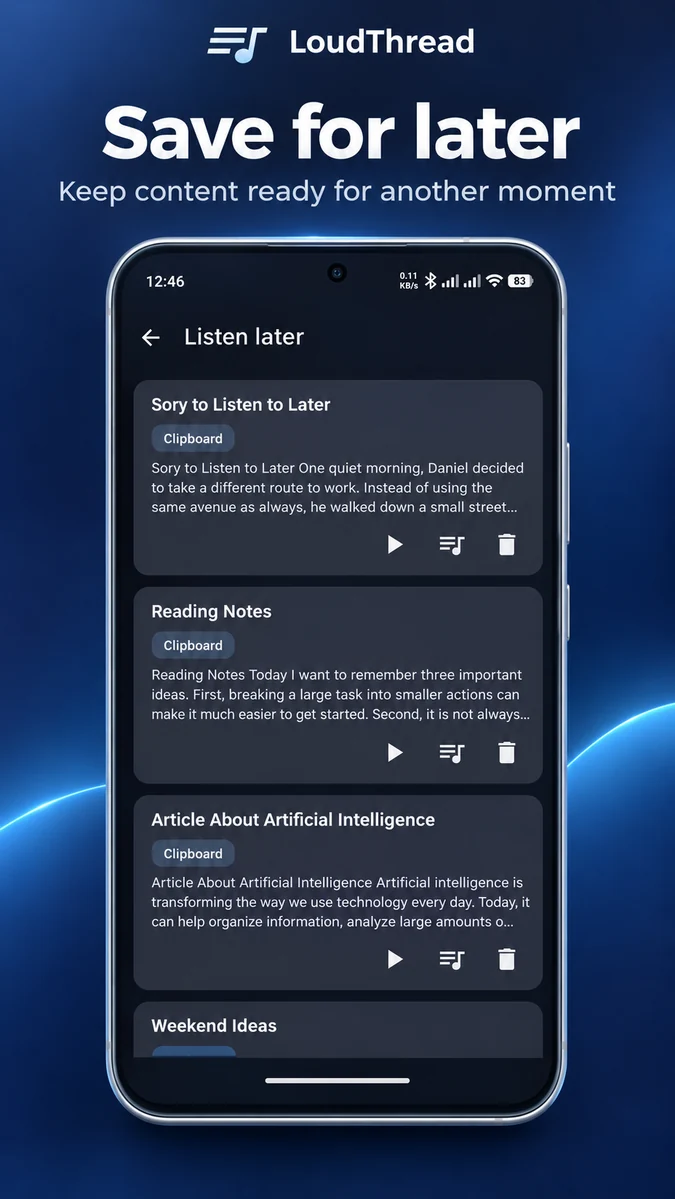
Save text on your device and play it when you’re ready.
Keep listening while using other apps or with the screen locked.
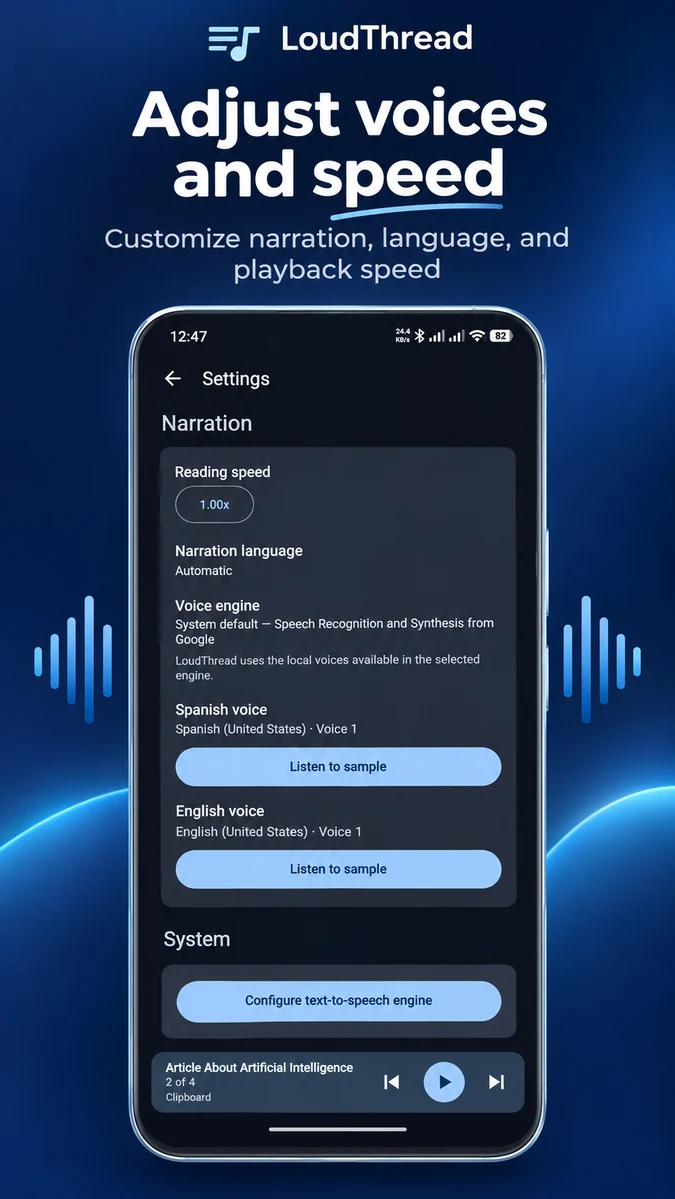
Choose an available voice and adjust the reading speed.
Share selected text from another app, paste it into LoudThread, or extract it from an image with on-device OCR.
Play it now, add it to the playback queue, or save it for later.
Start playback and carry on, even when you switch apps or lock your screen.
Screenshots
The app uses AdMob and other SDKs. See the Privacy Policy for details on data practices.
FAQ
An Android app that reads aloud articles, notes, stories, and other text you share or paste.
Offline narration depends on the offline-capable voices installed on your device. Ads and purchases require an internet connection where applicable.
You can use the app without a LoudThread account.
Yes. Background playback continues while the screen is locked.
Yes. On-device OCR lets you extract text from an image and review it before listening.
A one-time Google Play purchase permanently removes ads. There’s no subscription. Google Play shows the price in your region.
LoudThread is an independent app with no affiliation with or endorsement from Reddit.